Here is a simple walk through of creating a express application with node.js using Visual Studio (NTVS).
First lets launch visual studio and go to the JavaScript section and select the Blank Express Application.
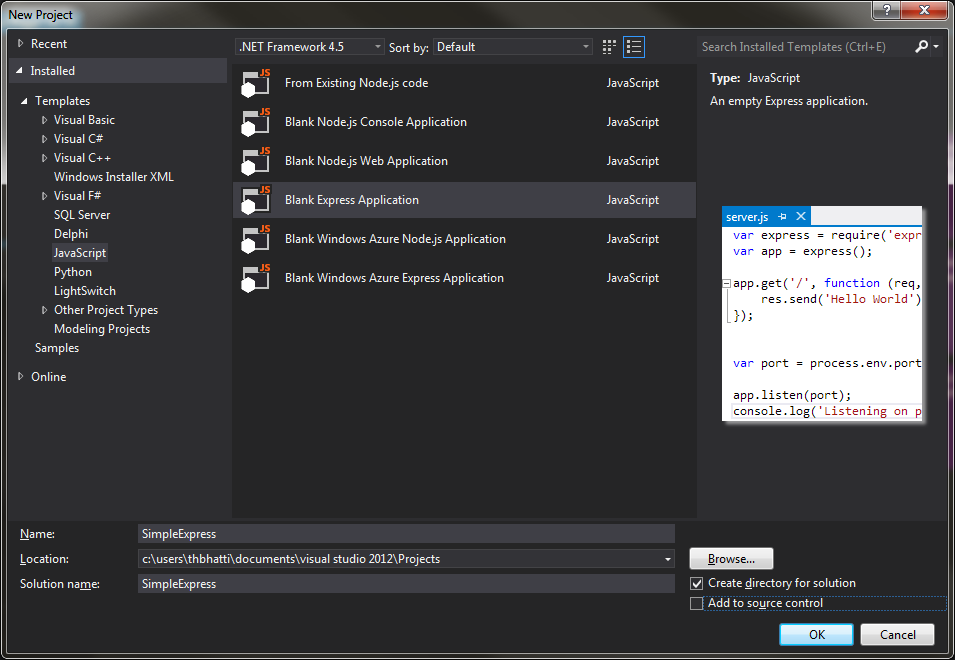
Once selected, I have named my application SimpleExpress, Visual Studio will start creating the skeleton of the project for you, and if you do not have express it will start downloading it for you using NPM.
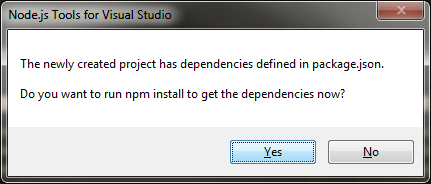
Click on Yes, and it will download all the dependencies.
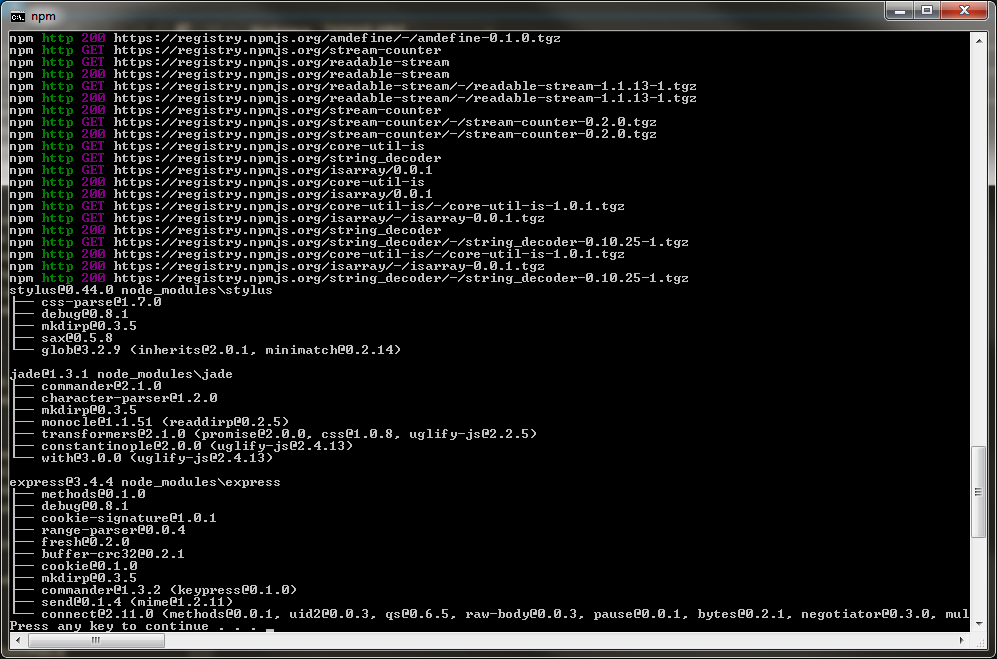
Once completed you cant hit F5 on Visual Studio to build the solution and launch the new browser.
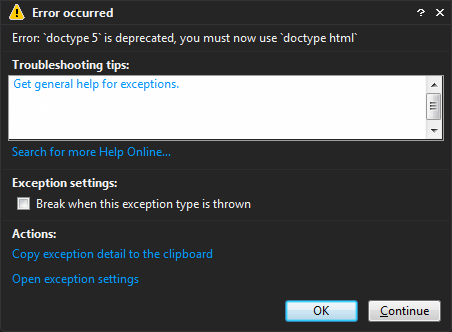
You may get an error though. The error says doctype 5 is deprecated, you must now use doctype html, lets look for the layout.jade file in the view folder and change the first line from 5 to html like this