Now that we have learned how to create a VPC with C# using AWS CDK, let’s talk about how do we create RDS Database Instance with C# using AWS CDK. What is Amazon RDS? Amazon Relational Database Service (Amazon RDS) in simple terms is easy to set up, operate, and scale relational database. It provides […]
Tag: C#
I wanted to start a series of how to use AWS Cloud Development Kit (CDK) to create infrastructure on Amazon. In our first example we will tackle the fundamental of a Virtual Private Cloud (VPC). We will be using AWS CDK to create a VPC in C#. You may wonder what about CloudFormation json or […]
So one may ask “What is the advantage of using discards in C#?”, and if you don’t know what discards are you can check out the MS C#7 Documentation about it. Basically discards are variables in simple terms, and the declaration of the variable as a discard is by assigning it the underscore (_) as […]
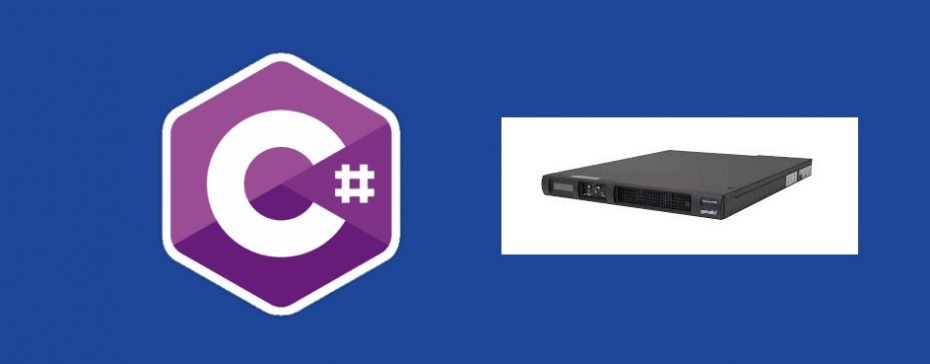
I wanted to blog about using C# with pkcs11 on SafeNet ProtectServer HSM for your encryption need. The library I intent to use is the Pkcs11 Interop library on GitHub. To being with we need to understand what an HSM is? In wikipedia we find this definition. So how does an HSM really look like? […]
This would be the second part of the blog post where we used powershell to store some secure data into our registry and have used DPAPI to encrypt the data. I wanted to cover how I would read the data back from the registry in my C# application. An example of C# using DPAPI to […]
One of the easiest cloud design pattern that one can try out is the Retry Pattern. I wanted to show how to use an Retry Pattern using Polly in C# as a example. So what does the Retry Pattern achieves? Problem Statement – What is the issue the pattern solves? When building applications you always […]
In this blog post I wanted to show how one can use C# or Python to view the serial numbers of a X509 certificate. The serial number can be used to identify the certificate that one plans to use in their C# application, lets say for mutual authentication to another service. Why use X509 Certificates […]
Was playing around with Azure functions and thought I would write a quick blog post on how to use Azure functions to read a text file and send an email out to me daily. Basically I went with a joke a day idea. So lets get started with writing some of the awesome code 🙂 […]
Redis Transactions Redis provides a way to do Transactions, but the transactions are somewhat different than what you know from a SQL Relational Database perspective. In SQL Relation Database world you can executed partially and then rolled back the entire transaction. While Redis uses the MULTI and EXEC commands where every command passed as part […]
Redis Pub Sub, somehow may sound weird that it provides such a functionality since when you think of Redis the first thing that comes to mind is of a cache key value store. But indeed Redis does allow us to use the messaging paradigm by using channels to publish messages and for subscribers to listen […]